Steps for Installing Laravel
Three simple steps can be followed to install Laravel:
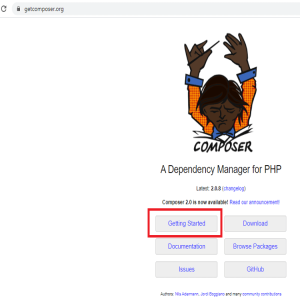
Installing PHP and Composer makes it easy to get started with a Laravel project.
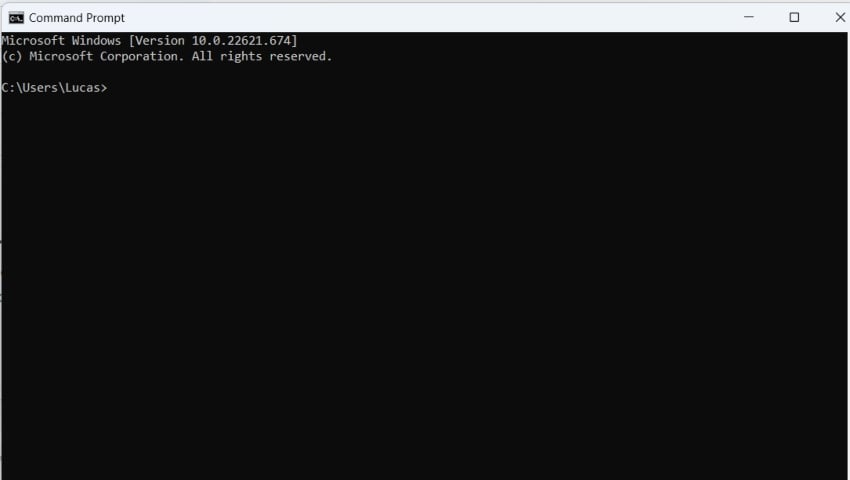
To create a new project under the my-app folder (or any other project name you choose), run the command below.
1 | composer create-project laravel/laravel my-app |
This will download all the necessary Laravel files for this project.
Following the creation of the application, use the following commands to launch your development server while coding into my-app:
1 | cd my-app
|
2 | php artisan serve |
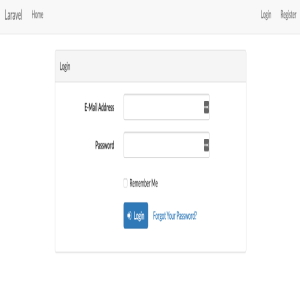
We are done setting up the environment. Your Laravel development server should be reachable at https://localhost:8000.
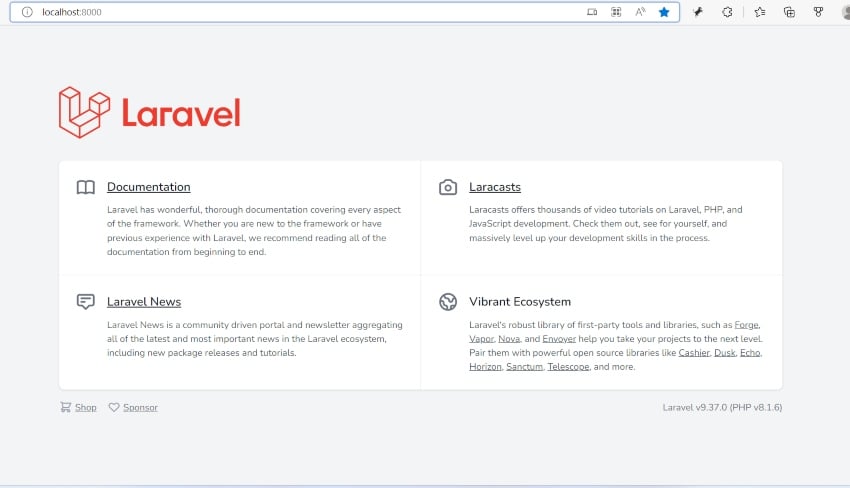
You've now successfully installed Laravel and launched your first application. But this is just the beginning! You can now learn how to create websites and applications using this robust and user-friendly framework.